Install Chicklee on both devices
Get Chicklee on your Android phone and Mac so they can work together.
Your phone is full of moments, projects, and ideas. Chicklee helps bring the files you choose home to your Mac.
At home, Chicklee usually finds your Mac automatically. On the road, your phone’s hotspot gives both devices an easy way to connect.
Planned for the Mac App Store and Google Play.
Free to start. One-time unlock. No subscription.
How it works
Get Chicklee on your Android phone and Mac so they can work together.
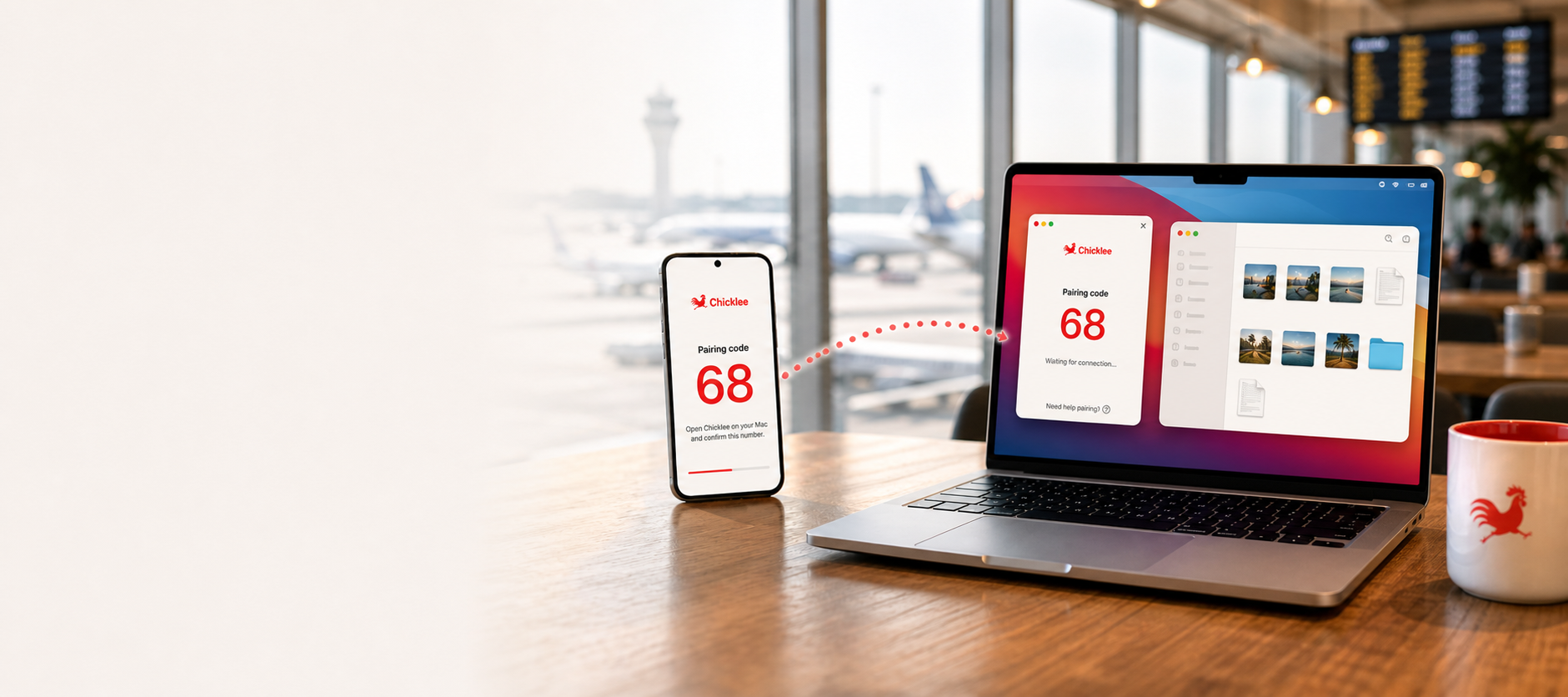
Open both apps and confirm the same pairing number.
Pick one or more photos, videos, music files, downloads, documents, or other files you want to bring over.
Chicklee saves those files in the Mac folder you chose, ready to open in Finder.
Choose the destination
Pick a folder on your Mac before copying. Chicklee brings your files there, ready for whatever you want to do next.
Chosen Mac folder
2 files are saved to Chicklee Transfers.
Review them in Finder before removing anything from your phone.
Simple pricing
Bring over up to 10 files a day for free. For larger batches, unlock Chicklee once on your Mac at the local price shown in the app. The Android app is free, with no account or subscription to manage.
Free
Good for trying Chicklee and moving a few files when you need them.
Unlimited
Copy without the daily file limit. No Chicklee account or subscription needed. The Android app is always free, so get it for all your devices.
Privacy by design
Chicklee copies only the files you choose. They go directly from your Android phone to your Mac instead of making a stop in a Chicklee cloud service.